June 15, 2026
Send Webhook Notifications Straight To Slack
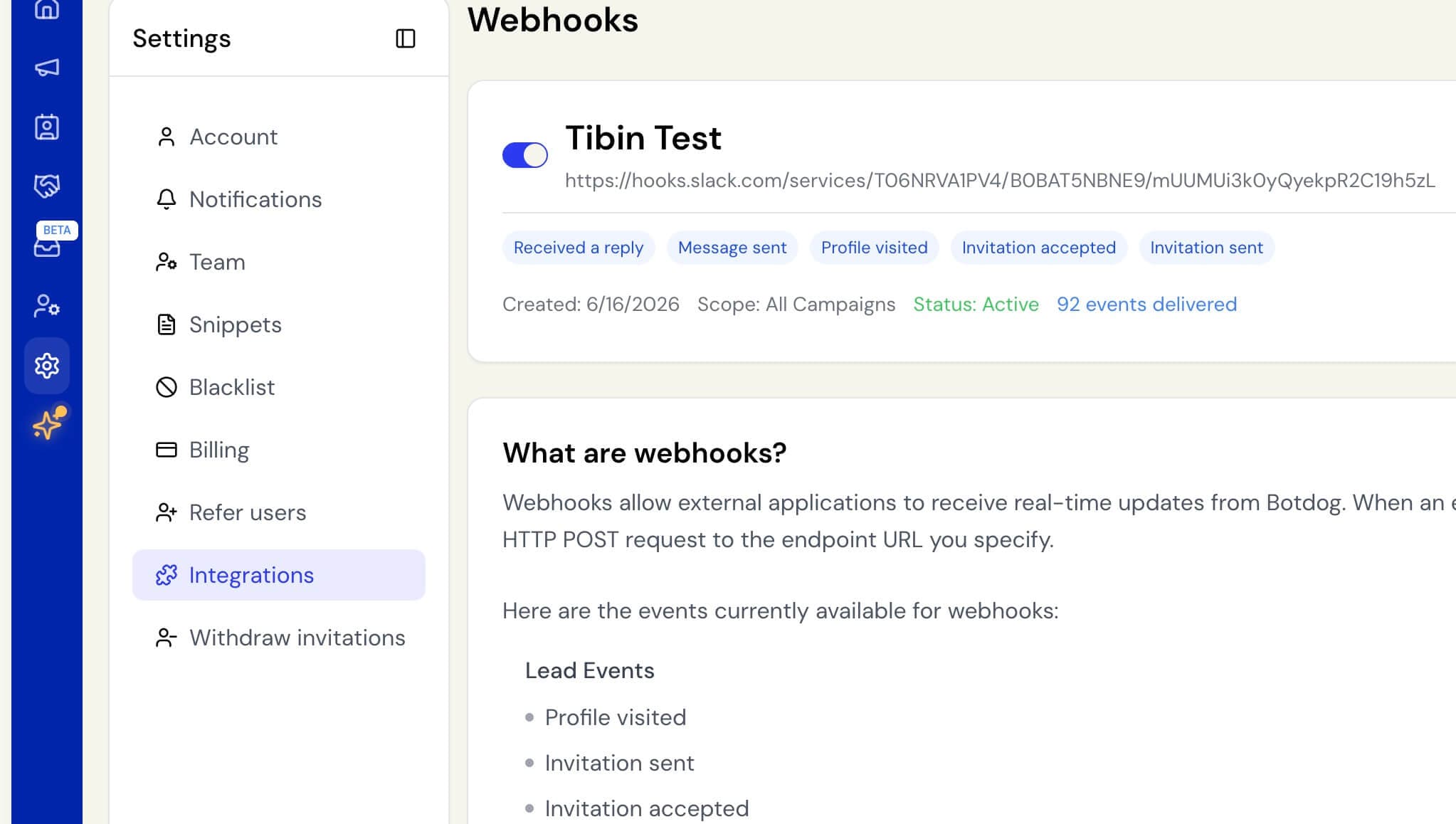
You can now send event notifications directly to a Slack channel instead of (or alongside) a standard webhook endpoint.
When adding or editing a webhook, choose Slack channel as the destination and paste your Slack Incoming Webhook URL. Events like profile visits, invitations, and replies arrive as formatted Slack messages, with the contact, company, campaign, and a button to open their LinkedIn profile. There’s also a walkthrough under Settings → Integrations if you need it.
To get your Incoming Webhook URL, go to your Slack workspace apps, add an Incoming Webhook for the channel you want, and copy the URL it generates.
Existing webhooks are unaffected.

