Team De-duplication: Coordinate your outreach across your whole team
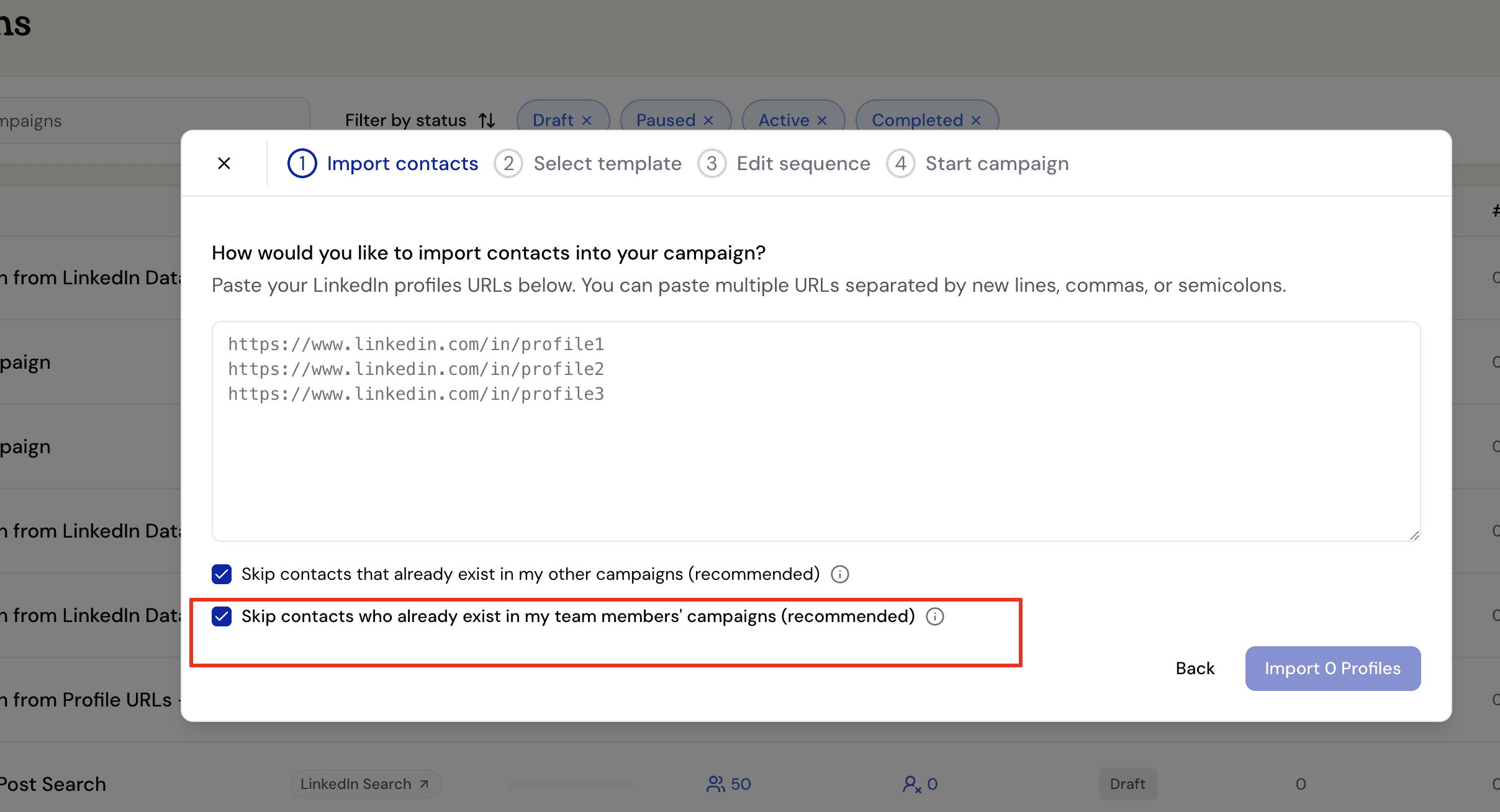
When you’re running outreach as a team, the last thing you want is two teammates independently messaging the same lead. It’s awkward for the prospect, wastes your team’s limited LinkedIn invite quota, and can make your brand look disorganized.
Botdog already helped individuals avoid this — when importing contacts into a campaign, you can choose to automatically skip anyone already present in your other campaigns. Same lead uploaded twice, in any format? Skipped. No duplicates, no wasted invites.
Now, we’re bringing that same logic across your entire team.
With team de-duplication, you can:
- Automatically skip any lead who is already being contacted by a teammate, regardless of how they were originally imported (LinkedIn search, Sales Navigator, CSV, profile URLs — it doesn’t matter)
- Keep your team’s outreach clean and coordinated without any manual coordination
- Protect your company’s reputation by ensuring prospects only hear from one person at a time
What if you want multiple teammates to reach out to the same lead? No problem — just uncheck the option. There are legitimate cases where this makes sense:
- Different personas, different pitches — one teammate is reaching out for a sales conversation, another for a partnership discussion
- High-volume agencies running separate campaigns for different clients who happen to share overlapping audiences
- A/B testing outreach strategies across team members to see which messaging resonates
As always, you stay in control. The option is on by default (we recommend it), but it’s yours to toggle.
To enable it, head to Import Contacts when setting up your next campaign and check “Skip contacts who already exist in my team members’ campaigns.”

