October 15, 2026
Today's Date Is Now Visible When Selected in Date Pickers
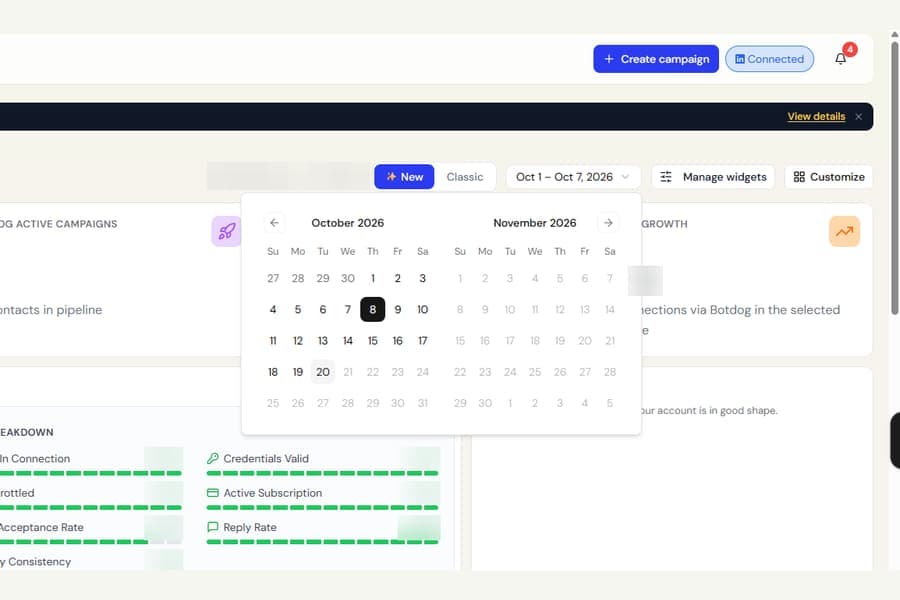
We fixed a display issue where selecting today’s date could make the date number disappear.
This could happen when choosing today:
- As the end of a dashboard date range
- When scheduling a message
- When setting a reminder in the inbox
The selected date was still saved correctly, but the calendar could show a solid dark square with no visible number.
What changed
Today’s date now remains clearly visible when selected, in both light and dark mode.
Nothing else about the date pickers has changed.

