Webhooks: payloads now carry the name and URL you imported, plus a permanent LinkedIn id
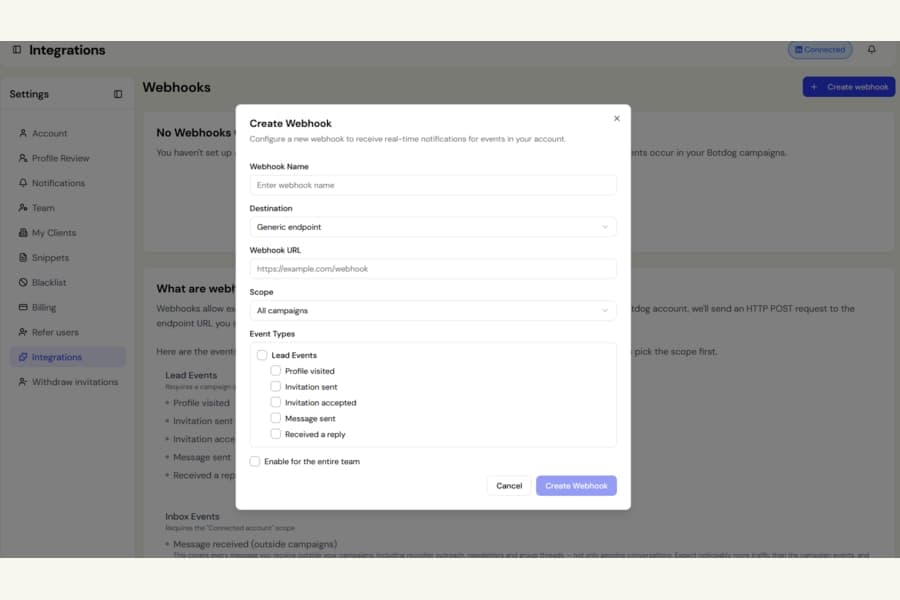
If you use Botdog webhooks to update records in your CRM, you now get more reliable identifiers for every lead.
Previously, webhook events sent one name and one LinkedIn URL taken from the person’s current LinkedIn profile.
That could cause matching problems if the information had changed since you imported the lead. For example, a person’s LinkedIn name or custom profile URL might no longer match the values stored in your CRM.
What changed
Every lead event now includes both the current LinkedIn details and the original values you imported:
- contactName: the person’s current LinkedIn display name
- leadName: the name exactly as you imported it
- contactLinkedinUrl: the public LinkedIn profile URL currently shown by LinkedIn
- leadLinkedinUrl: the LinkedIn URL exactly as you imported it, including any trailing slash
- contactLinkedinUrn: LinkedIn’s internal member ID, such as ACoAAA…
The internal member ID does not change, so it is the safest value to store when you need a permanent identifier.
Match records more reliably
Use leadLinkedinUrl or leadName when you want to match a webhook back to the exact values already stored in your system.
Botdog keeps these imported values unchanged.
You can also compare contactLinkedinUrl with leadLinkedinUrl to spot when someone has changed their LinkedIn custom URL and update your own record if needed.
Messages from people outside campaigns
The Message received (outside campaigns) webhook can also fire for people you have never imported into Botdog.
For those people:
- leadName is empty
- leadLinkedinUrl is empty
- contactLinkedinUrl may use LinkedIn’s member-ID style URL
- contactLinkedinUrn is the most reliable identifier
If the sender is someone you previously imported, such as a list contact or a campaign lead who has not yet been messaged, all five fields are included as usual.
This behaviour is now documented.
We also fixed a few related inconsistencies
- Invitation accepted and Received a reply events no longer send an incomplete LinkedIn URL for leads imported from Sales Navigator or by member ID
- contactName no longer appears as undefined undefined when the LinkedIn profile has not yet been fetched. Botdog falls back to the imported name instead
- Replies from imported contacts outside campaigns now use contactName consistently for the LinkedIn name and leadName for your imported name
- Send test event now uses the same field names as real webhook deliveries, including contactCompanyName and the three new fields
Existing integrations keep working
Nothing has been removed or renamed.
Existing webhook fields keep the same names, and integrations that ignore unfamiliar fields will continue working normally.
One behaviour has been clarified: contactLinkedinUrl now prefers the public URL LinkedIn currently shows, while the exact URL you originally imported is available separately as leadLinkedinUrl.

