Your blacklist now stops campaigns already in progress
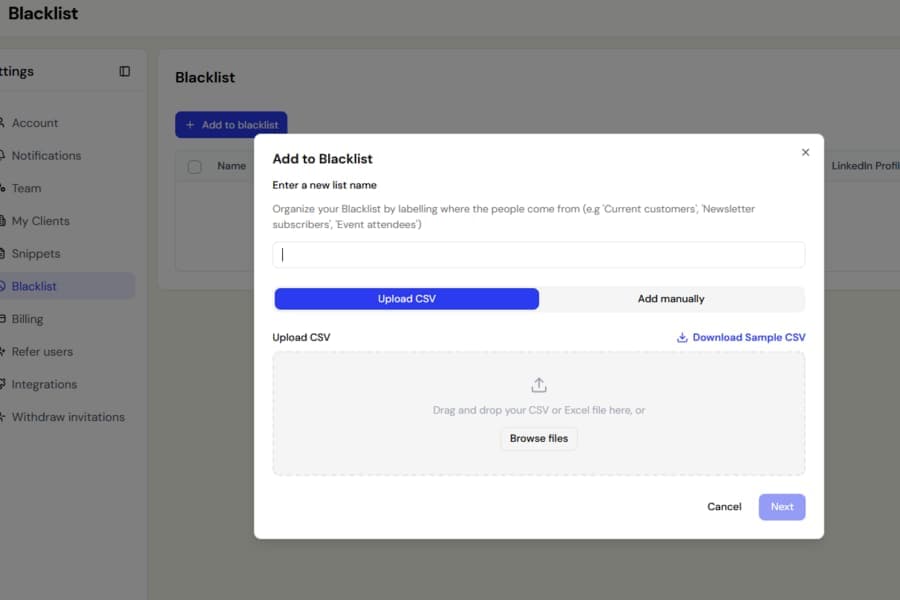
We have improved how blacklists work during active campaigns.
Previously, Botdog only checked the blacklist when a contact first entered a campaign. If you added someone to the blacklist later, their campaign could continue and still send connection requests, messages, and other actions.
The only way to fully stop them was to delete the contact.
What changed
Botdog now checks your blacklist immediately before every campaign action.
If the contact is blacklisted, their sequence stops before anything else is sent or performed.
This now covers:
- Connection requests
- Messages, voice messages, and InMails
- Company page invitations
- Event invitations
- Liking posts
- Commenting on posts
This means adding someone to your blacklist is now enough. You no longer need to delete them from an active campaign as well.
Existing blacklisted contacts are covered too
You may notice some contacts stop receiving campaign activity even though they were continuing before.
This is expected.
If you blacklisted someone in the past while they were already inside a campaign, Botdog will now stop their sequence as soon as the next action is checked.
Those contacts will appear in the campaign with the status Blacklisted, so you can clearly see why their sequence stopped.
Good to know
Your blacklist only applies to your own account.
A teammate’s blacklist will not affect your campaigns.

