Fixed invitations failing for the last seat on your team
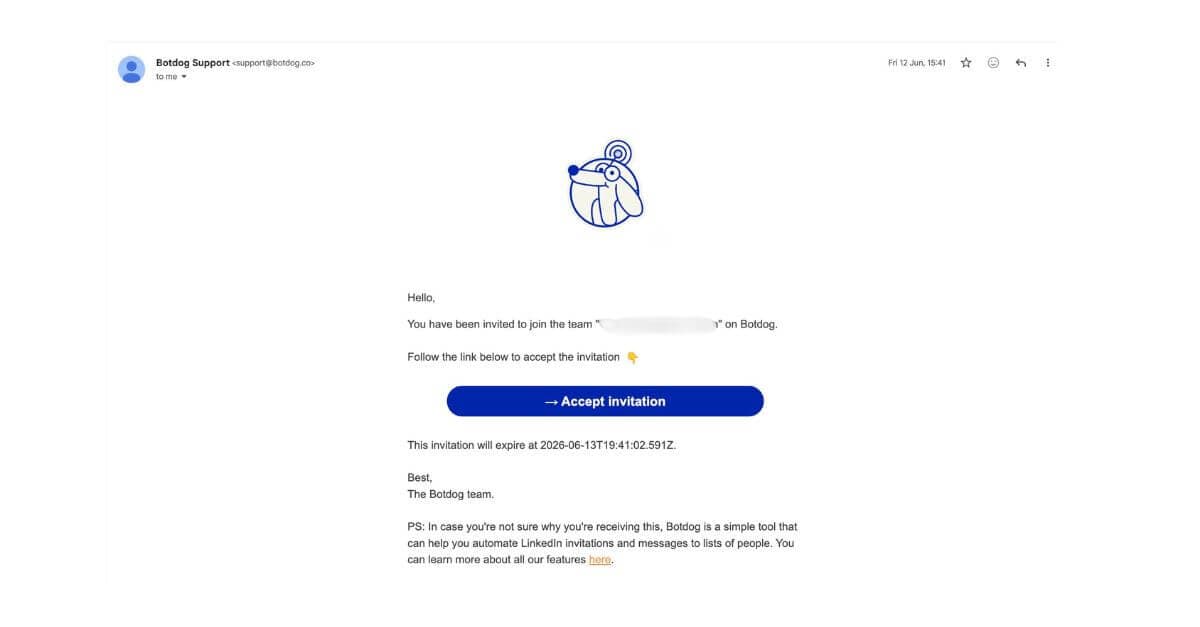
We fixed an issue that could stop a teammate from joining your team when they were taking the last available seat.
Previously, they could open the invitation, select Join team, and repeatedly see There was an error accepting your invitation.
When this happened
When you invite someone with a seat, Botdog reserves that seat for them so nobody else can take it while the invitation is waiting.
The problem was that when they accepted, Botdog checked whether the team still had a free seat without recognising that one was already being held for them.
This meant a team that had exactly enough seats for its invited members could fail on the final invitation.
What changed
- Botdog now correctly recognises the seat already reserved for the invited person
- The invitation can be accepted normally
- Teams that genuinely have no available seat are still prevented from adding another member
For example, if the reserved seat was reassigned to someone else before the invitation was accepted, the invitation will still be blocked.
If this happened to you
You do not need to create everything again.
Ask your teammate to open the original invitation link and select Join team again.
If the invitation has expired, send a new one from Settings > Team.
This issue did not affect teams with spare seats or invitations that were sent without reserving a seat.

