September 3, 2026
Tag your conversations on any plan
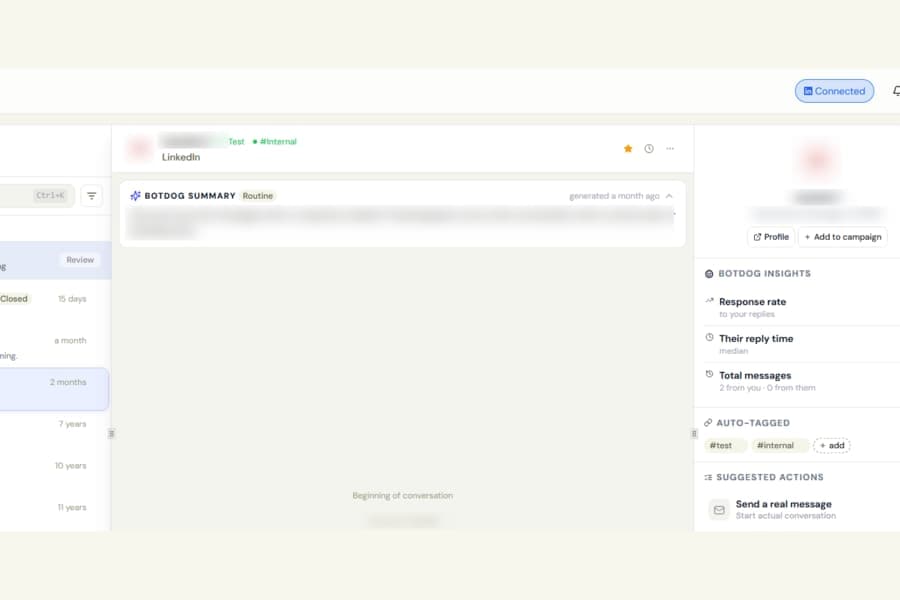
Tagging conversations in the Unified Inbox is now available on every Botdog plan.
Previously, the + add button in the conversation side panel was disabled unless you were on an AI plan. Existing tags could also be hidden, which made it unclear why you could not use them.
What changed
You can now manage tags on any plan:
- Add a tag by clicking + add, typing a word, and pressing Enter
- Remove a tag by hovering over it and clicking the x
- See tags added by your teammates, no matter who owns the conversation
Tags you add are shared with your team and also appear in the conversation list, so you can continue filtering conversations by tag as before.
AI plans still get automatic tagging
On plans without AI, the section is called Tags.
On AI plans, it is called Auto-tagged. Botdog can automatically add tags to conversations there, alongside any tags you add manually.

