[Update October 2024: LinkedIn announced they would sunset the Community Top Voices Badge on October 8th 2024 - see more about this announcement here, you can still rush to try and get a badge before October 8th following this guide, and it will expire after 60 days]
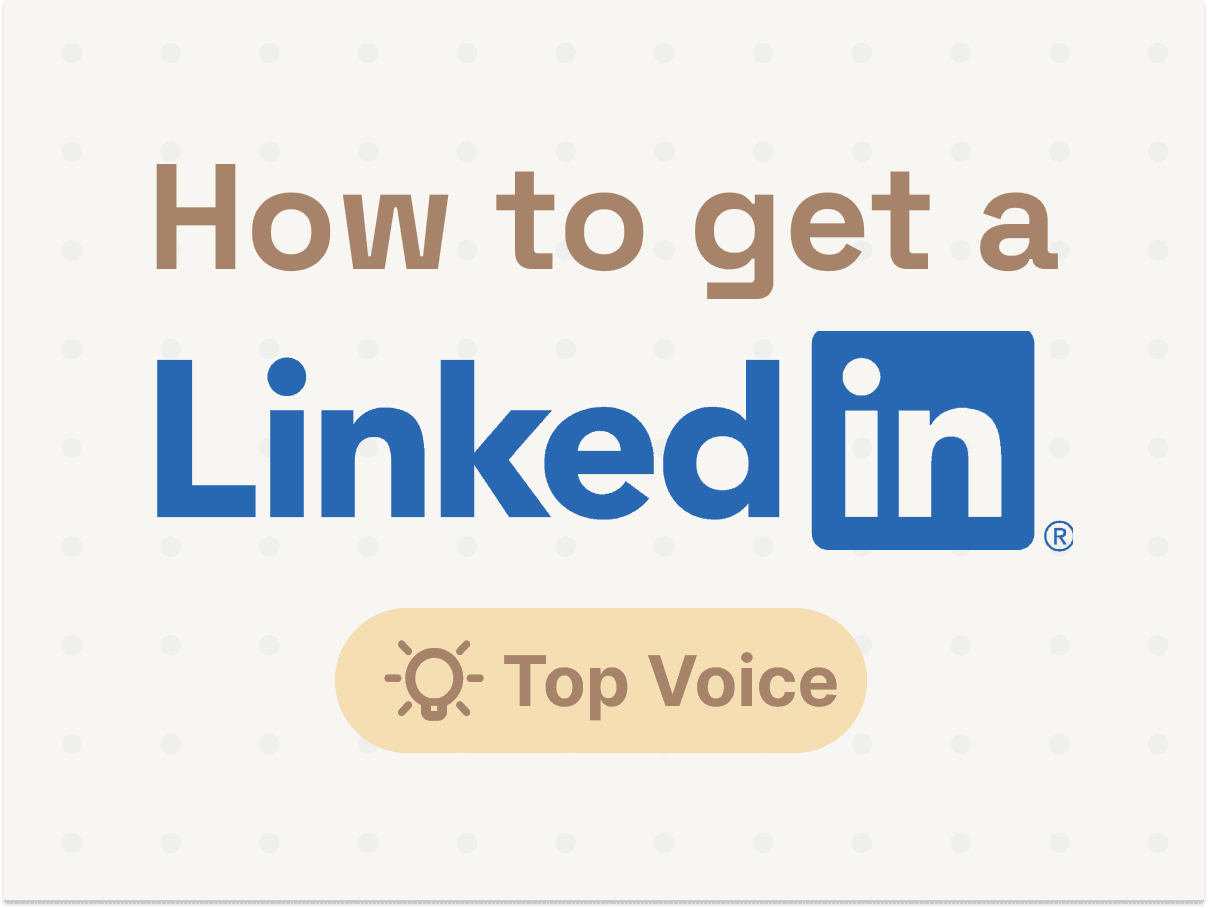
If you're leveraging LinkedIn for sales, marketing or lead generation, having a "Top Community Voice" badge can be a valuable asset for boosting your credibility and conversion rates on the platform.
The good news? Getting one of these badges is surprisingly straightforward if you follow the right process.

Earlier this year, I decided to pursue LinkedIn's new "Top Community Voice" credentials as a way to amplify my reach and positioning when connecting with my target audience on LinkedIn. After just a few hours of work, spread over a couple of weeks, I was able to secure a "Top Personal Branding Voice" badge you now see displayed on my profile.
Here's an inside look at the simple steps I followed to quickly earn this social proof marker from LinkedIn:
Step 1: Unlock Commenting Privileges
First, I needed the ability to actually leave comments on LinkedIn's "Collaborative Articles". Despite having a sizable following and being an active poster, I didn't initially have access to commenting.

The trick here was simply going to the Collaborative Articles section and consistently upvoting others' comments on various posts over the span of about a week. After doing this, seemingly random liking and upvoting, I was then able to "Add My Perspective" to articles. Mileage may vary here, it might take more time for you to unlock this.

It's very unclear what's required to be able to "Start a contribution", but LinkedIn clearly says that liking other comments can help:

Step 2: Pick Your Target Categories
With commenting unlocked, I headed to the "Categories" sidebar on the Collaborative Articles page and selected the topics most aligned with the areas where I wanted to be perceived as a thought leader. For me, that meant choosing categories like "Personal Branding" and "Recruiting" since my core audience involves recruiters, salespeople and founders interested in those topics.
You'll want to be strategic about the handful of categories you select based on your product's use case and target buyers. This will determine which "Top Voice" badges you'll be eligible for. There are 2,500 badges available for each topic - with topics as diverse as Active Listening, Advertising Sales, Encryption, etc. For a total of 2,399 topics (I exported the comprehensive list here for you!)
Step 3: Leave 3+ High-Quality Comments
Now for the most crucial step - actually sharing your expertise with the Collaborative Articles. I aimed to leave a few thoughtful, high-value comments each day drawing from my experiences and perspectives. While many of the AI-generated article starters were pretty low-quality and uninspiring, I was able to identify relevant subheadings to contribute nuggets of original insight.

Surprisingly, it only took around 8 comments spread across 3 different categories for me to be awarded my first "Top Voice" badges within a couple days! Given how low-effort this was, this is absolutely worth it.

Step 4: Choose Your Badge & Keep Contributing

Once I had those initial "Top Voice" badges under my belt, I was able to choose which specific one (e.g. "Top Personal Branding Voice") to display on my public LinkedIn profile for added prestige.
The badges do expire every 60 days, so I've made it a point to leave just a few more comments here and there to maintain my credibility markers (update: since then I lost it). But the initial time investment was less than an hour, making this a no-brainer for anyone looking to strengthen their LinkedIn presence.
Conclusion
All in all, earning a "Top Community Voice" recognition on LinkedIn turned out to be a straightforward, high-leverage use of my time. By sharing my expertise in just a few hours of work, I'm now distinctly credentialed on the platform which will ideally translate into better engagement and conversion rates when reaching out to my target audience.
If you're a founder leveraging LinkedIn for any aspect of marketing or sales, I'd highly recommend pursuing these badges. The process is simple, the benefits are substantial, and the time investment is extremely low - a rare combination!
And of course, check out Botdog to help you grow your network on autopilot, it takes 60 seconds to get started!